


Description
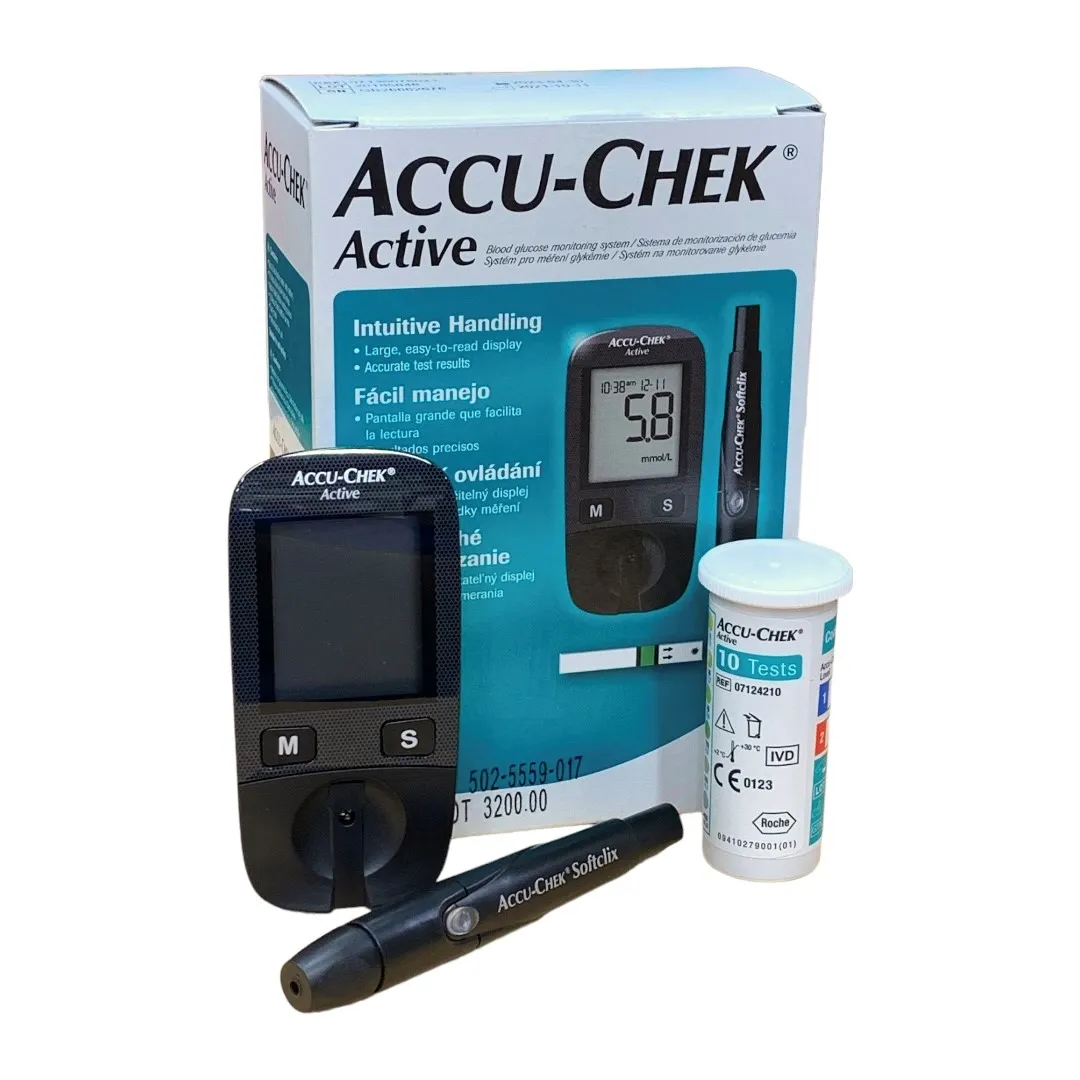
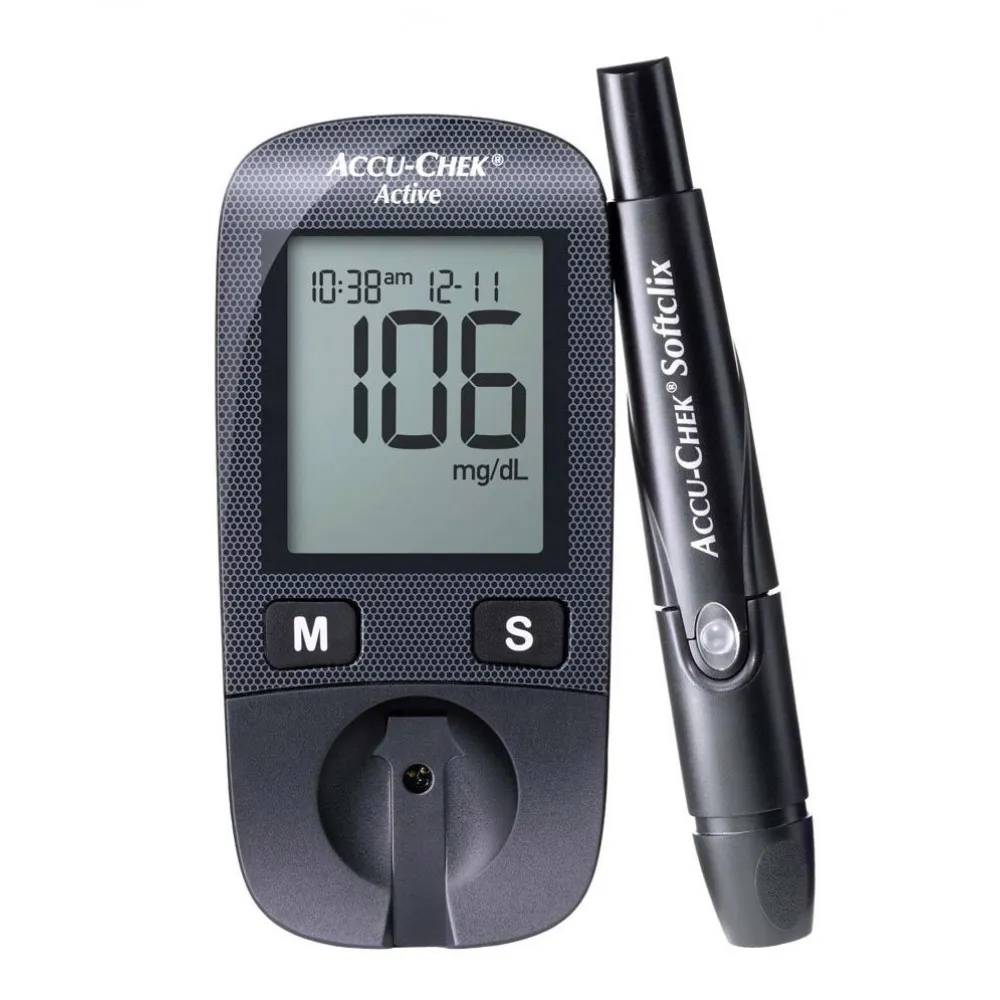
Accu-Chek Active Blood Glucose Monitoring System
Accu-Chek Active Blood Glucose Monitoring System
- High accuracy for blood glucose readings
- Easy-to-read digital display
- User-friendly interface
- Compatible with Accu-Chek Active test strips
- Fast results within 5 seconds
- Lightweight and portable design
- Memory storage for up to 500 readings
- Requires a small blood sample (1-2 µL)
- Test range: 10 – 600 mg/dL
- No manual coding required (Auto Coding)
- Long-lasting battery
- Test reminders and alerts
- Reliable for self-monitoring of blood glucose
- Suitable for home use
- Automatic switch-on and off
- Infrared data transfer capability
- Capillary blood application
- Cost-effective for daily use
- Data management via Accu-Chek app
- Large, easy-to-use test strip port
- DAR. No.: 502-5559-017
Authentic Product – Money Back Guarantee
Attention! After receiving the product, if you find the product in a damaged condition due to the courier service, immediately complain to our customer service, and we will replace your product within seven days.
*Conditions apply – no returns are applicable if products are used or the seal is broken
How to Use the Accu-Chek Active Blood Glucose Monitoring System:
Prepare the Device:
- Insert a new battery into the glucometer if required.
- Ensure you have Accu-Chek Active test strips ready.
Insert the Test Strip:
- Take a test strip from the container and insert it into the glucometer.
- The glucometer will automatically turn on when a strip is inserted.
Collect a Blood Sample:
- Use a lancing device with a new, sterile lancet to prick the side of your fingertip.
- Gently squeeze your finger to get a small droplet of blood.
Apply Blood to the Test Strip:
- Place the blood droplet on the orange-colored area of the test strip.
- Ensure that the strip absorbs enough blood (usually 1-2 µL).
Wait for the Result:
- The device will display your blood glucose level within 5 seconds.
- The reading will appear on the screen with large, easy-to-read numbers.
Record the Result:
- The glucometer will automatically store the reading for future reference.
- You can also manually record the reading in a diabetes log if preferred.
Remove and Dispose of the Test Strip:
- Remove the used test strip from the device and dispose of it properly.
- The glucometer will automatically switch off once the strip is removed.
Use Memory Functions:
- To review previous readings, use the memory button to navigate through stored data.
- The device can store up to 500 readings, which helps you track trends over time.
Data Management:
- Use the infrared data transfer feature to send results to a compatible Accu-Chek app or software for detailed monitoring.
Safety Tips:
- Always wash your hands before testing.
- Use a new lancet for each test.


Reviews
There are no reviews yet.